How to Download Free E-Books & Resources Safely Without Inbox Spam
Introduction
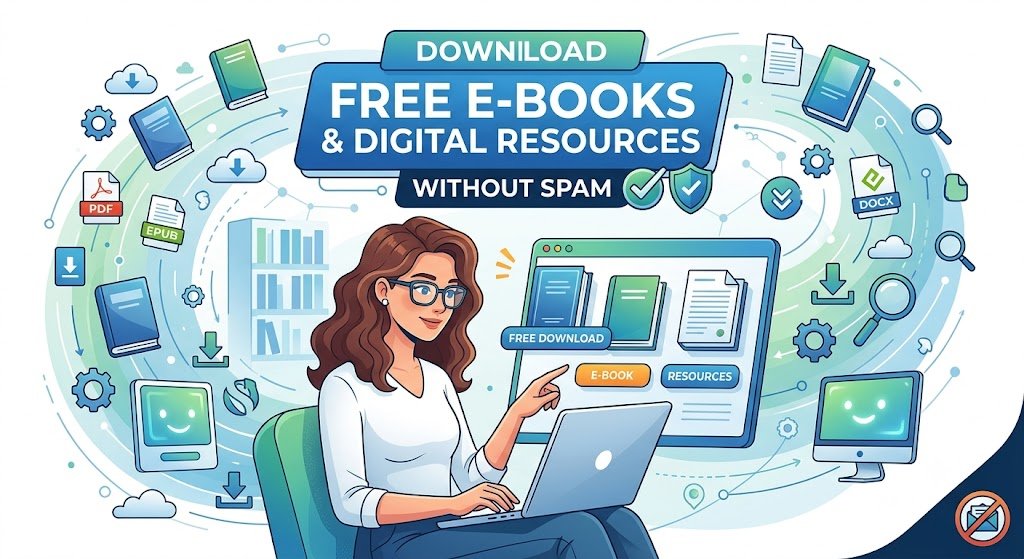
The internet is packed with valuable digital resources: free e-books, PDF guides, industry whitepapers, design templates, and cheat sheets. Content creators and marketing agencies offer these “lead magnets” to provide value to users.
However, almost every platform requires you to enter an email address before giving you access to the download link. Once you submit your address, you get the PDF—along with a perpetual stream of promotional newsletters, sales pitches, and automated drip campaigns.
By using a temporary email address, you can get instant access to any free digital resource while keeping your personal email inbox completely spam-free.
The Problem with “Free” Digital Downloads
When a website asks for your email in exchange for a free e-book, your email address becomes the payment. Here is what happens behind the scenes:
- Lead Generation Lists: Your contact info is added to a sales funnel where marketers send targeted follow-up emails for months.
- Third-Party Data Sharing: Unscrupulous blogs and marketers trade or sell email subscriber lists to advertising agencies.
- Inbox Overload: Downloading just 5 or 6 free guides can lead to dozens of unwanted daily emails flooding your main account.
How tempgmails.net Solves the Download Dilemma
Using a disposable burner email address is the smartest way to grab online resources hassle-free:
1. Instant Access to Download Links
Most digital download platforms send an automated verification link or direct PDF attachment to the email address provided. With tempgmails.net, a unique temporary inbox is ready instantly. You paste the generated address, wait a few seconds, open the confirmation email, click the download button, and save your file.
2. Zero Unwanted Marketing Newsletters
Once you have saved your e-book or template to your device, the temporary email address expires. Any subsequent marketing blasts, promotional offers, or sales sequences sent by the website simply bounce back and disappear.
3. Complete Identity Protection
Many users reuse the same primary email address for their social accounts, banking, and general web browsing. Using a throwaway address prevents marketers from building a profile around your interests or linking your downloads to your personal identity.
Step-by-Step: Downloading Files Safely
- Go to
tempgmails.netin your web browser and copy the auto-generated address. - Paste the temporary address on the resource download form requesting your email.
- Check the temporary inbox on
tempgmails.netfor the incoming download link. - Download the PDF or zip file directly to your computer or mobile device.
- Close the tab knowing your primary email address is 100% safe from spam.
Conclusion
Don’t let the fear of spam stop you from accessing valuable e-books and templates online. By making tempgmails.net your go-to tool for digital downloads, you can enjoy all the free knowledge the web has to offer while keeping your inbox spotless.